Google's reCAPTCHA is free for the first 10,000 assessments a month. Past that, it bills per check. A small site with a contact form, a signup page and a login page can pass 10,000 in a week of bot traffic. This article covers the alternatives we offer, five reasons to switch, and what each option costs.
What we offer instead of reCAPTCHA
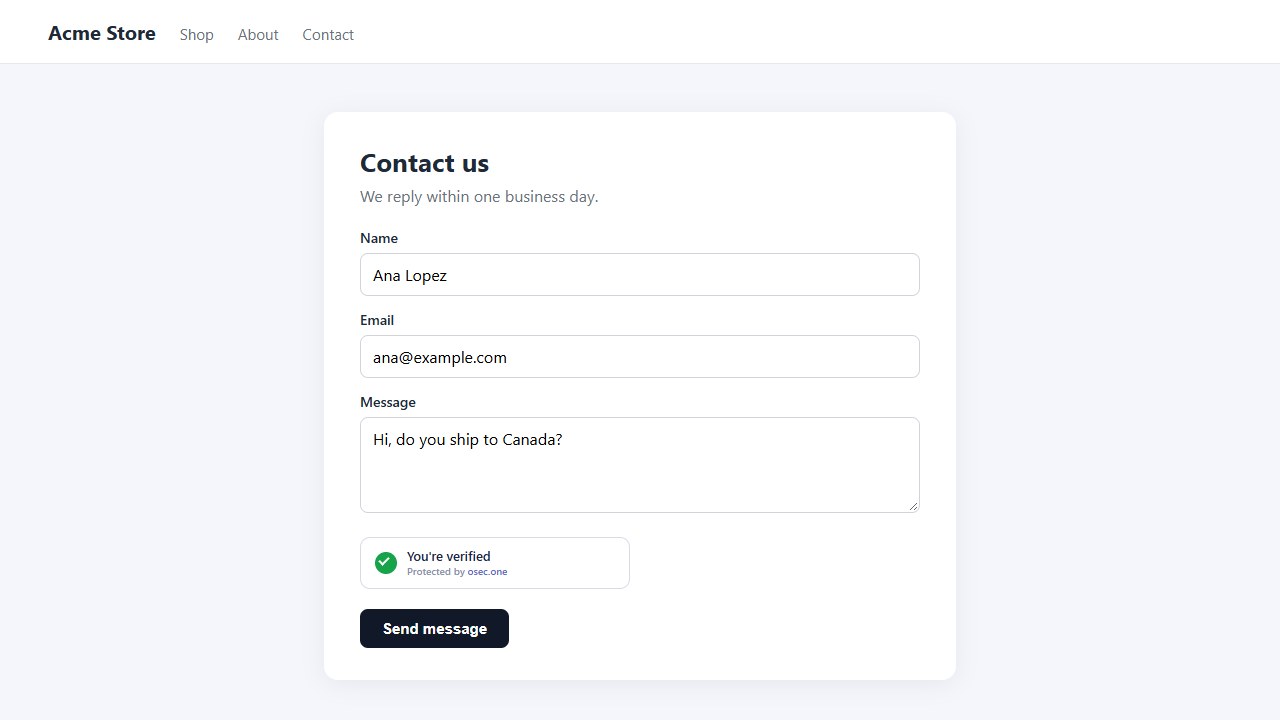
• osec Captcha: replaces the reCAPTCHA widget on forms. Invisible proof-of-work, no image puzzles.
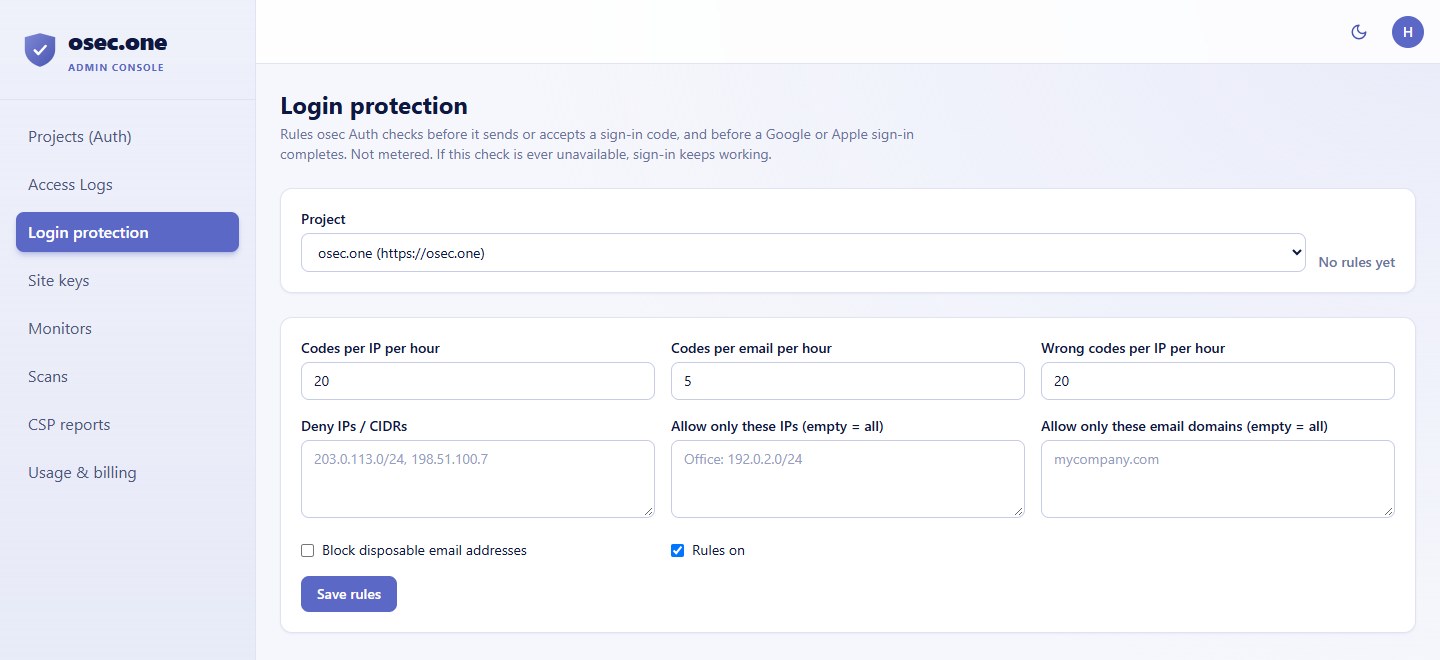
• osec Login Protection: rate limits for osec Auth sign-in, per email and per IP, with IP lists and allowed email domains.
• osec Signup Checks: an API that flags breached passwords and disposable email addresses at signup.
You can use one, or all three. Captcha does the form check. Login Protection and Signup Checks cover the sign-in and signup steps that reCAPTCHA is often used for.
Five reasons to switch
1. No Google account or billing project. Copy a site key and a script tag. Nothing to link to a Cloud project.
2. No image puzzles. The visitor's browser solves a small check in the background, about a quarter second on a phone. Nobody picks traffic lights.
3. No tracking cookies, no Google scripts. The widget loads from osec.one and sets no cookies.
4. The same server call. Your server posts secret and response to /siteverify and gets success back, the same shape as reCAPTCHA. The swap is a few lines.
5. A free tier that fits a small site. 500 checks a day on every account, and credits from $5 when you grow. Signup Checks and Login Protection are on the same account.
Pricing
• reCAPTCHA (Google): $0 for up to 10,000 assessments a month. $8 flat for 10,001 to 100,000. $1 per 1,000 above 100,000, with volume discounts from Google sales.
• osec Captcha: $0 for 500 checks a day on each account (about 15,000 a month). $5 for 10 credits, $10 for 20, $50 for 100. Each credit adds 500 a day for 30 days.
• Login Protection and Signup Checks: set up in the same osec console. Their limits are on each tool's page.
Check the current prices on Google's page before you decide. reCAPTCHA v3 scores every page view if you load it on every page, so the 10,000 limit goes faster than the number of forms you have. Our allowance is shared across the tools on one account, so a busy login page uses the same daily quota as the captcha on your contact form.
Where reCAPTCHA is the better choice
• Google's risk scores: reCAPTCHA v3 scores against Google's own signals. osec Captcha doesn't.
• Big sites with big traffic: Enterprise has SLAs and support. We are a single service on one shared server.
• Proof-of-work is not a shield: it raises the cost of abuse. A determined attacker with real browsers can still get through, so pair it with rate limits (Login Protection covers osec Auth sign-in; your own server covers the rest).
Swap it in
1. Sign in at osec.one, open Console → Site keys and create a key. List your hostnames.
2. Copy the secret. It's shown once.
3. In your form: <div class="osec-captcha" data-sitekey="osk_…"></div>
4. Load https://osec.one/assets/osec-captcha/osec-captcha.js.
5. On your server: POST secret and response to https://api.osec.one/tools/captcha/siteverify.
6. Accept the form only when success is true.
See all the reCAPTCHA alternatives, with pricing, on one page.
Compare the alternativesSources
• Google Cloud, reCAPTCHA billing information: https://docs.cloud.google.com/recaptcha/docs/billing-information
• reCAPTCHA pricing in 2026 (phpcaptcha.org): https://phpcaptcha.org/recaptcha-pricing/
• Prices checked 5 October 2026. Google changes them; check the Google page before you buy.