
Most of nginx's hardening is a handful of settings that nobody remembers to add. Timeouts stop a client from holding a connection open with a trickle of bytes. Body limits stop an upload from filling memory. A version banner tells a scanner exactly what to attack. None of it is hard to set, and none of it is useful unless you test it.
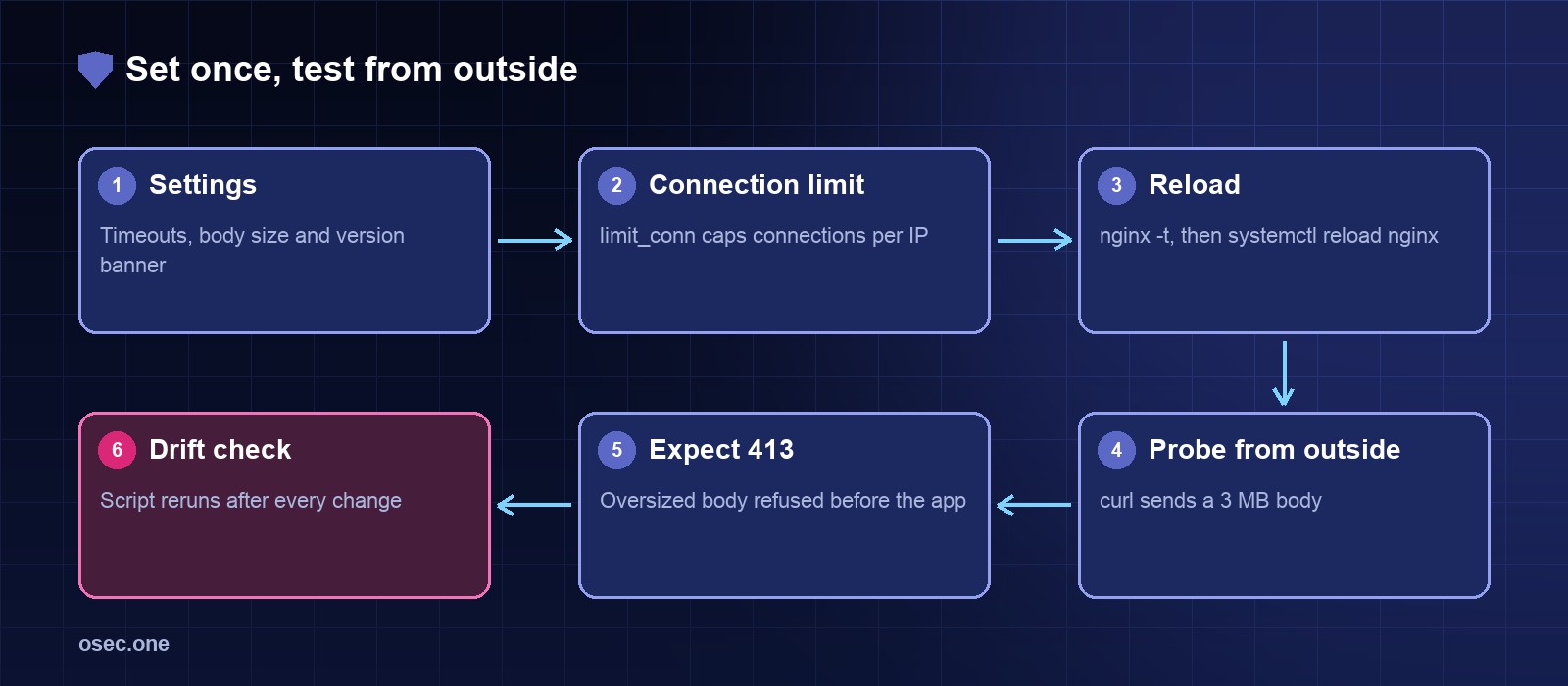
The settings
Put these in the http context, for example /etc/nginx/conf.d/hardening.conf. Ubuntu's default config already includes that directory.
Cap connections per client
limit_conn caps the number of open connections per key. Put it in the server block, and set the number above what a real page with images and a few API calls needs.
Validate and reload
Check it from outside with a bash script
This script checks two things from the outside: the version banner is hidden, and a 3 MB upload gets a 413 response before it reaches the app. It exits non-zero on any failure, so it can run from cron.
Run it after every nginx change, and once a week from cron. Drift is what the script is for: a new location block or a copied config can quietly drop a setting.
What the settings don't cover
Timeouts and limits don't replace rate limits, bans or a firewall, which are covered in the other articles in this series. Security headers have their own checklist. See how we took a site from F to A+ on security headers for the header side.
Checking your own response headers by hand gets old fast. osec Scan grades them in seconds, free.
Sources
• nginx core module (timeouts, client_max_body_size, server_tokens): https://nginx.org/en/docs/http/ngx_http_core_module.html
• nginx limit_conn module: https://nginx.org/en/docs/http/ngx_http_limit_conn_module.html